
Turn discussion into owned work
Promote an important transcript line to an action or decision. Add the owner, due date and status before exporting the follow up register.
Visual workshops · browser canvas
Put ideas, evidence, questions and next steps on one visual board. Guide the discussion, capture what was said and export a reviewed record your team can actually use.
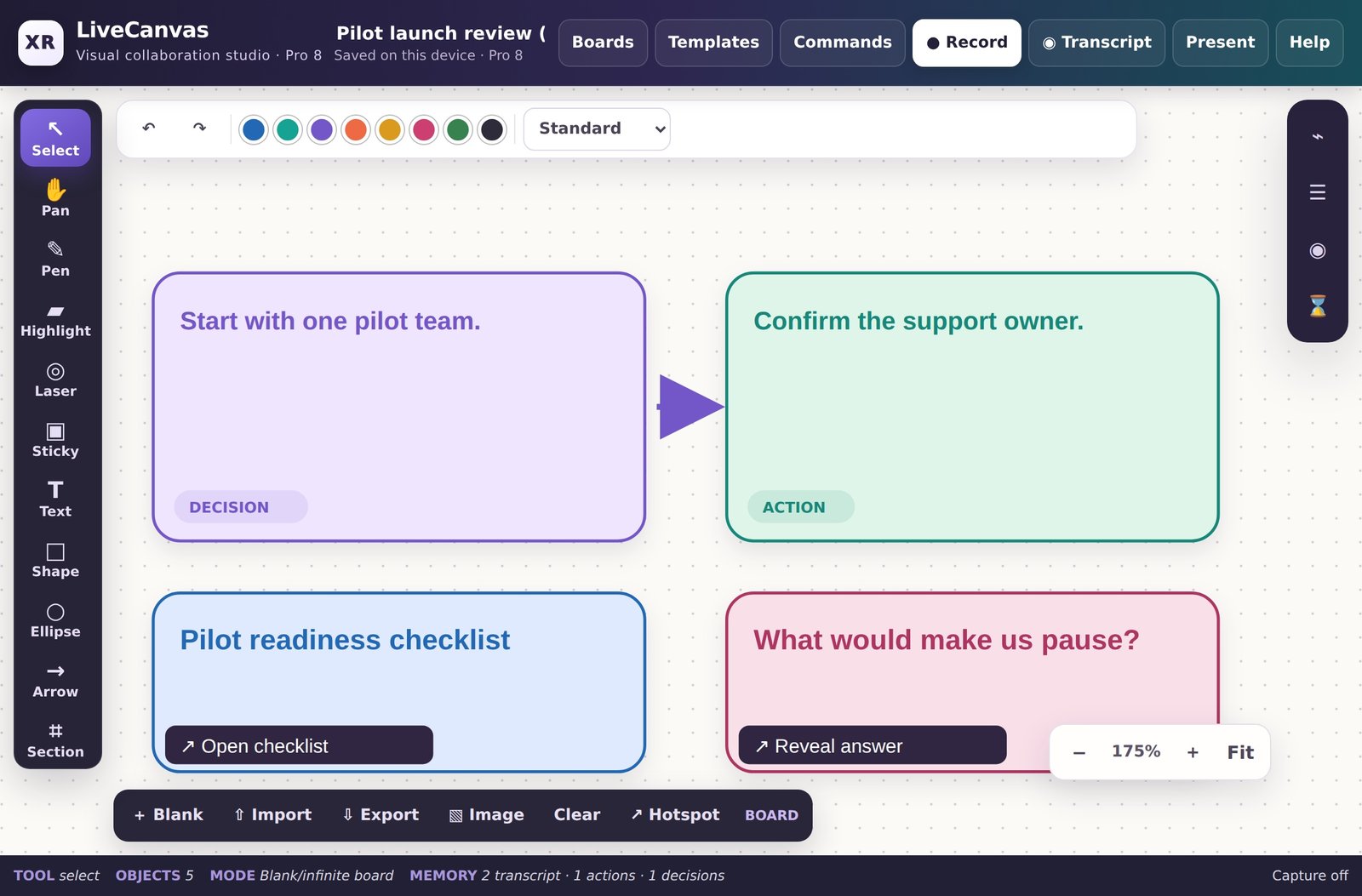
A close up of decisions, follow up actions and interactive cards in Pro 8. Actual software screenshot; illustrative content. Select the image to inspect it at full resolution.
Promote an important transcript line to an action or decision. Add the owner, due date and status before exporting the follow up register.
Combine notes, shapes, arrows, images and sections instead of separating the evidence from the decision.
Use optional templates, a timer, voting and a section by section presentation. Keep private preparation off the presentation view.
Add website/email links, notes, checklists, questions with revealable answers, copy text buttons and jumps to another section.
Store several boards locally. Record the canvas, selected screen/window/tab, microphone or webcam; reopen, play, download or delete the recordings.
Import transcripts from LiveCanvas Desktop. Export editable board JSON, clean PNG/SVG, CSV registers and a ZIP containing the meeting record and report guidance.
Start blank or use a template. Add the context, options, evidence and questions.
Use the timer, voting, section tour and interactive cards. Capture notes or a recording with permission.
Review actions and decisions, add owners and dates, and export a meeting pack for your reporting tools.
Facilitators, project and PMO teams, consultants, trainers, business analysts, service teams and anyone turning a workshop into a clear decision and follow up.
Modern desktop browser. Use the HTTPS workspace for media permissions. Browser supported video/audio formats are retained, normally WebM. Download important files before clearing browser storage.
© 2026 Dr Amit Anand / XERR. All rights reserved. Software ownership and licence notice.